How to Edit Videos 3x Faster in Premiere Pro

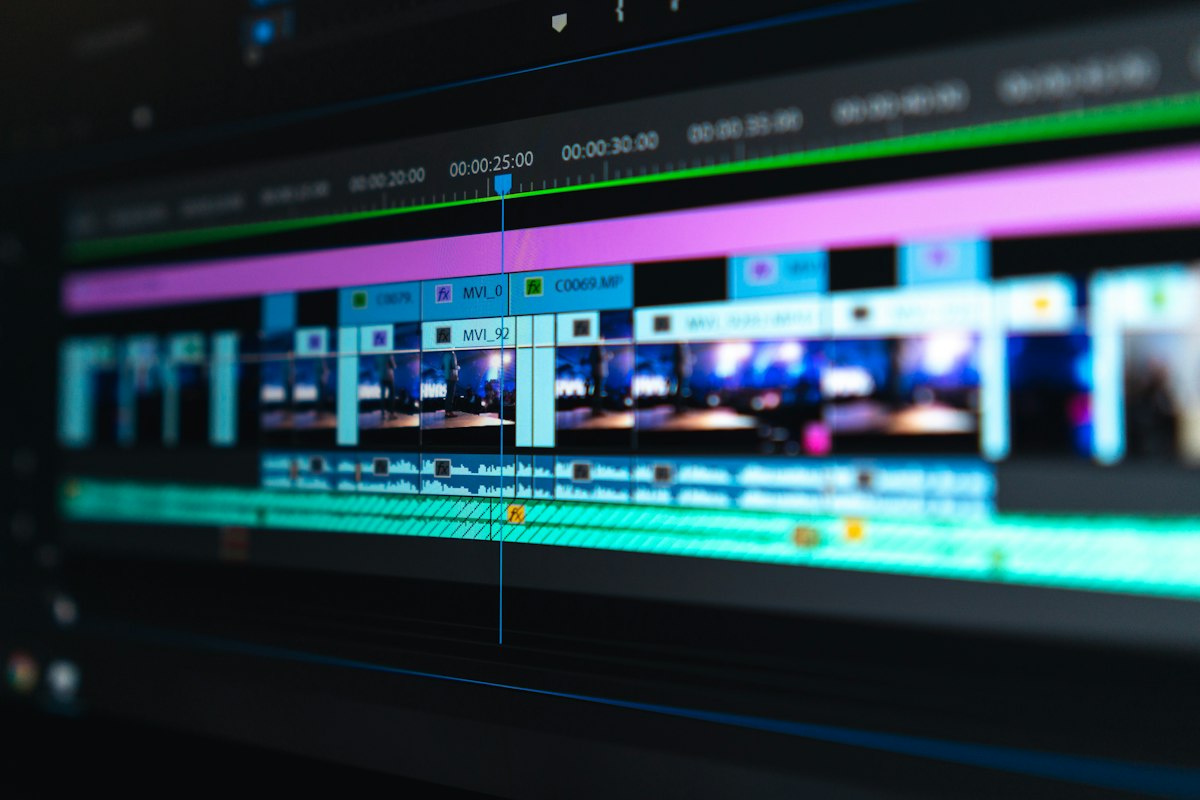
Speed is the editor's competitive advantage
Professional editors aren't better because they know more effects — they're better because they're faster. Here are the techniques that make the difference.
1. Keyboard-first editing
Set up J-K-L for playback (J = reverse, K = pause, L = forward). Use I and O for in/out points. Press , to insert and . to overwrite. Your mouse should barely move.
2. Pancake timeline
Stack your source sequence above your main timeline. Drag clips down instead of hunting through bins. This alone saves 30% of editing time.
3. Proxy workflow
Edit with low-res proxies, export at full resolution. For 4K footage, create 720p proxies: File → Create Proxies. Your playback will be buttery smooth.
4. Adjustment layers for effects
Apply color grade once to an adjustment layer instead of copy-pasting across 100 clips. Change it globally with one click.
5. Templates & presets
Save your lower thirds, transitions, and color grades as presets. Import them into every project. Never start from scratch.
Speed in editing comes from workflow, not talent. Optimize your process.
Comments
0No comments yet. Be the first to share your thoughts!